
Two Color Weapon Engraving
At a gunsmith you can change the metal of your weapons and add engravings. You have the chance to customize metals and engravings per component.
Tap or click an image to enlarge.
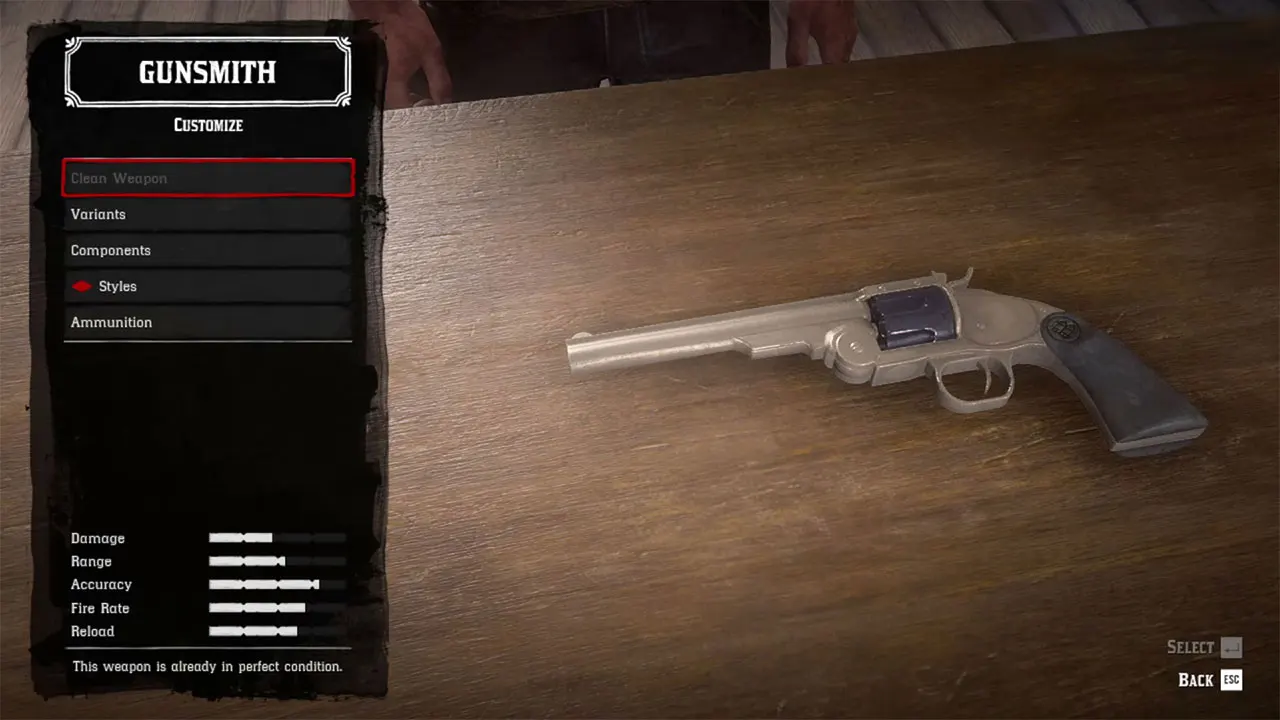
Have a weapon with two different metal colors (here Blackened Steel and Nickel).
In this example, frame and barrel will be engraved 'Blued Steel', the cylinder will be engraved 'Iron'.

Choose an engraving style and a color. Engrave the whole weapon.
In this example, 'Baroque' and 'Blued Steel'.

Remove the engraving from the part you want to change, don't confirm the new selection. Go back up to 'Inlay Materials' and select the second color. Confirm your selection.
In this example, the engraving is removed from frame and barrel, the second color 'Iron' is added to the cylinder.

Leave the 'Engravings' menu, then go back to 'Engravings'.
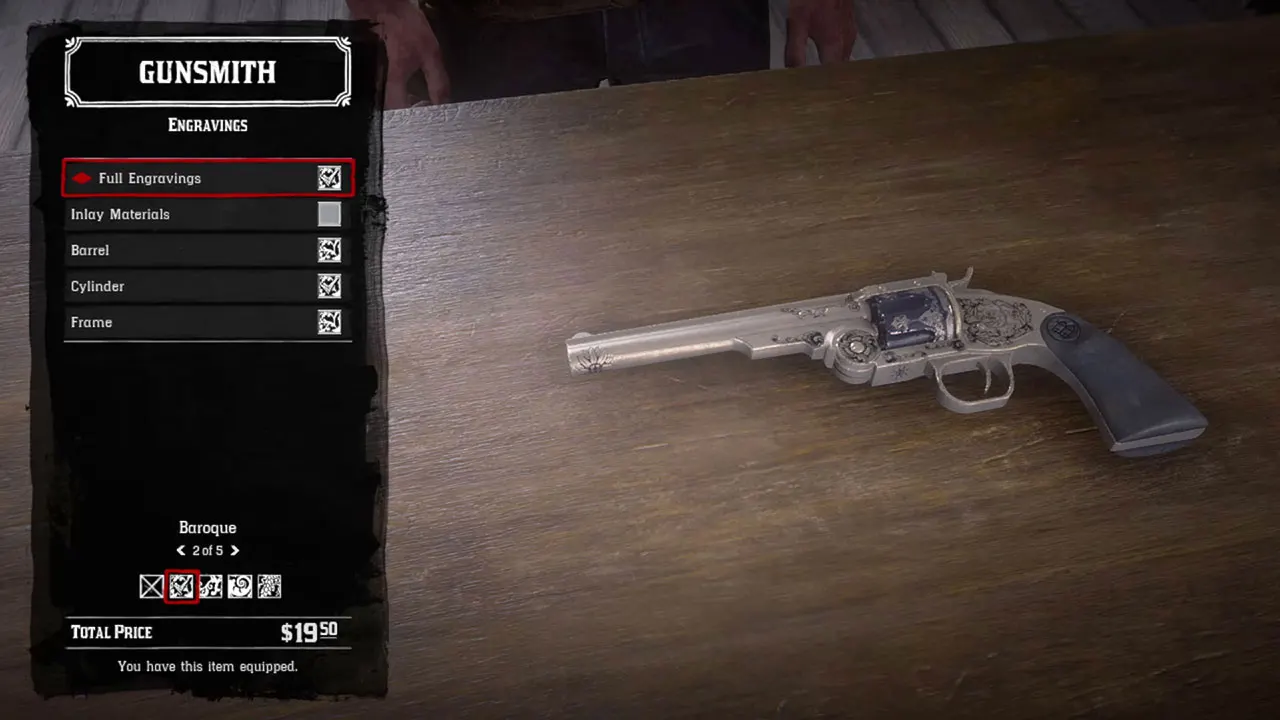
Back in the 'Engravings' menu, buy the whole engraving again.
Don't select the 'Inlay Materials' menu again and don't select any of the other options.
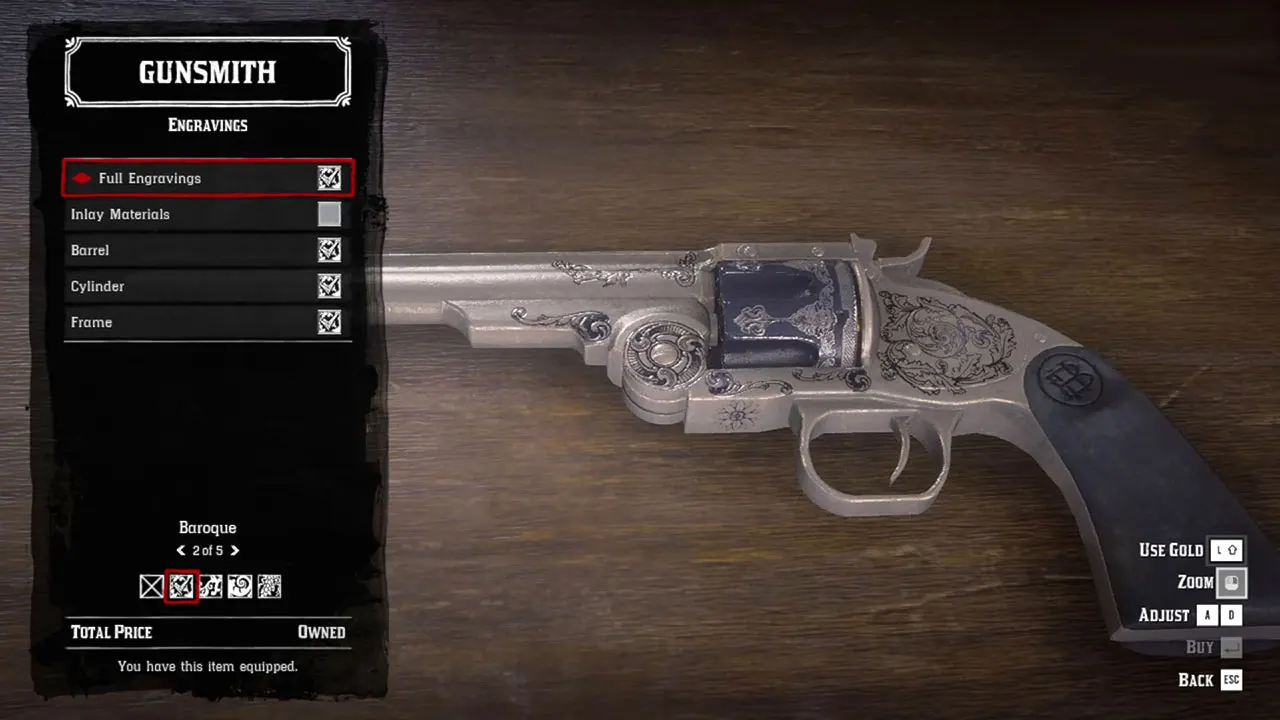
You are done. Your weapon should show two different engraving colors.